


 |
BAP611S - BUSINESS APPLICATIONS 2A - 2ND OPP - JULY 2025 |
|
|
1 Page 1 |
▲back to top |
nAmI BIA unIVE RSITY
OF SCIEnCE Ano TECHnOLOGY
FACULTY OF COMMERCE, HUMAN SCIENCES AND EDUCATION
DEPARTMENT OF GOVERNANCE AND SCIENCES, HOSPITALITY, TECHNICAL AND
VOCATIONAL EDUCATION AND TRAINING
QUALIFICATION: BACHELOR OF BUSINESS & INFORMATION ADMINISTRATION
QUALIFICATION CODE: 07BBIA
LEVEL: 6
COURSE CODE: BAP611S
COURSE NAME: BUSINESS APPLICATIONS 2A
SESSION: JULY 2025
PAPER: PRACTICAL PAPER 2
DURATION: 2 HOURS
MARKS: 100
SECOND OPPORTUNITY EXAMINATION QUESTION PAPER
EXAMINER(S) Ms Lindie Tripodi
MODERATOR: Ms Petrina Louw
INSTRUCTIONS
1. Answer ALL the questions.
2. Read all the questions carefully before answering.
THIS QUESTION PAPER CONSISTS OF 5 PAGES (Including this front page)
|
|
2 Page 2 |
▲back to top |
\\
Question 1
July 2025
<G> NAM
A
:NA.MIIBIIA.
DE
BEERS
DEB
P'A.RTNERSHIP
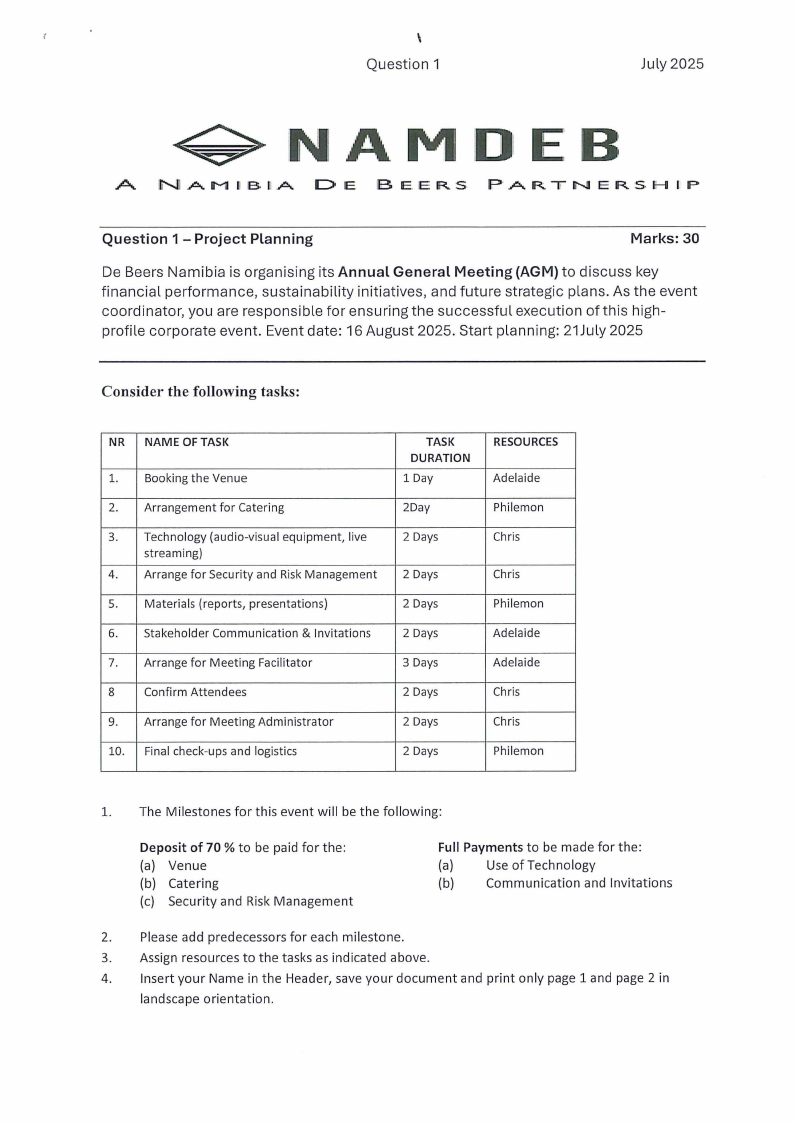
Question 1 - Project Planning
Marks: 30
De Beers Namibia is organising its Annual General Meeting {AGM) to discuss key
financial performance, sustainability initiatives, and future strategic plans. As the event
coordinator, you are responsible for ensuring the successful execution of this high-
profile corporate event. Event date: 16 August 2025. Start planning: 21July 2025
Consider the following tasks:
NR NAME OF TASK
1. Booking the Venue
2. Arrangement for Catering
3. Technology (audio-visual equipment, live
streaming)
4. Arrange for Security and Risk Management
5. Materials (reports, presentations)
6. Stakeholder Communication & Invitations
7. Arrange for Meeting Facilitator
8
Confirm Attendees
9. Arrange for Meeting Administrator
10. Final check-ups and logistics
TASK
DURATION
1 Day
2Day
2 Days
2 Days
2 Days
2 Days
3 Days
2 Days
2 Days
2 Days
RESOURCES
Adelaide
Philemon
Chris
Chris
Philemon
Adelaide
Adelaide
Chris
Chris
Philemon
l. The Milestones for this event will be the following:
Deposit of 70 % to be paid for the:
(a) Venue
(b) Catering
(c) Security and Risk Management
Full Payments to be made for the:
(a)
Use of Technology
(b)
Communication and Invitations
2. Please add predecessors for each milestone.
3. Assign resources to the tasks as indicated above.
4. Insert your Name in the Header, save your document and print only page 1 and page 2 in
landscape orientation.
|
|
3 Page 3 |
▲back to top |
Question 2
July 2025
Question 2
Marks: 30
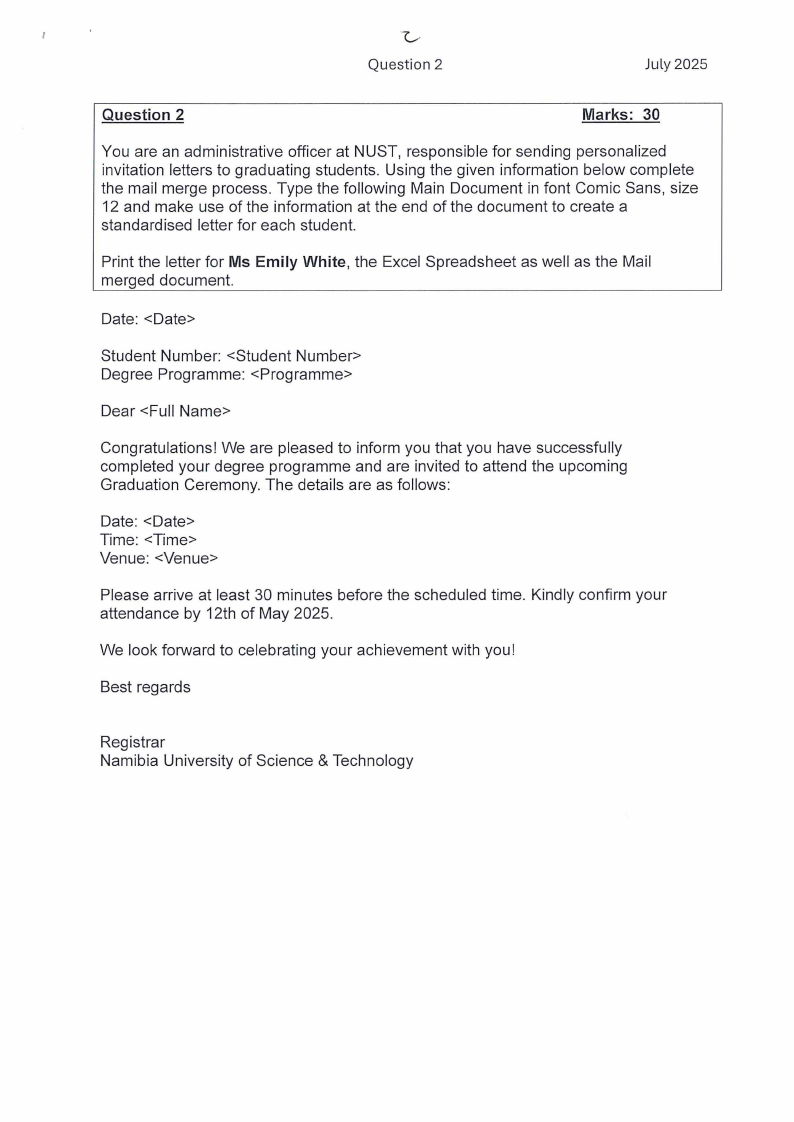
You are an administrative officer at NUST, responsible for sending personalized
invitation letters to graduating students. Using the given information below complete
the mail merge process. Type the following Main Document in font Comic Sans, size
12 and make use of the information at the end of the document to create a
standardised letter for each student.
Print the letter for Ms Emily White, the Excel Spreadsheet as well as the Mail
merged document.
Date: <Date>
Student Number: <Student Number>
Degree Programme: <Programme>
Dear <Full Name>
Congratulations! We are pleased to inform you that you have successfully
completed your degree programme and are invited to attend the upcoming
Graduation Ceremony. The details are as follows:
Date: <Date>
Time: <Time>
Venue: <Venue>
Please arrive at least 30 minutes before the scheduled time. Kindly confirm your
attendance by 12th of May 2025.
We look forward to celebrating your achievement with you!
Best regards
Registrar
Namibia University of Science & Technology
|
|
4 Page 4 |
▲back to top |
Question 2
July 2025
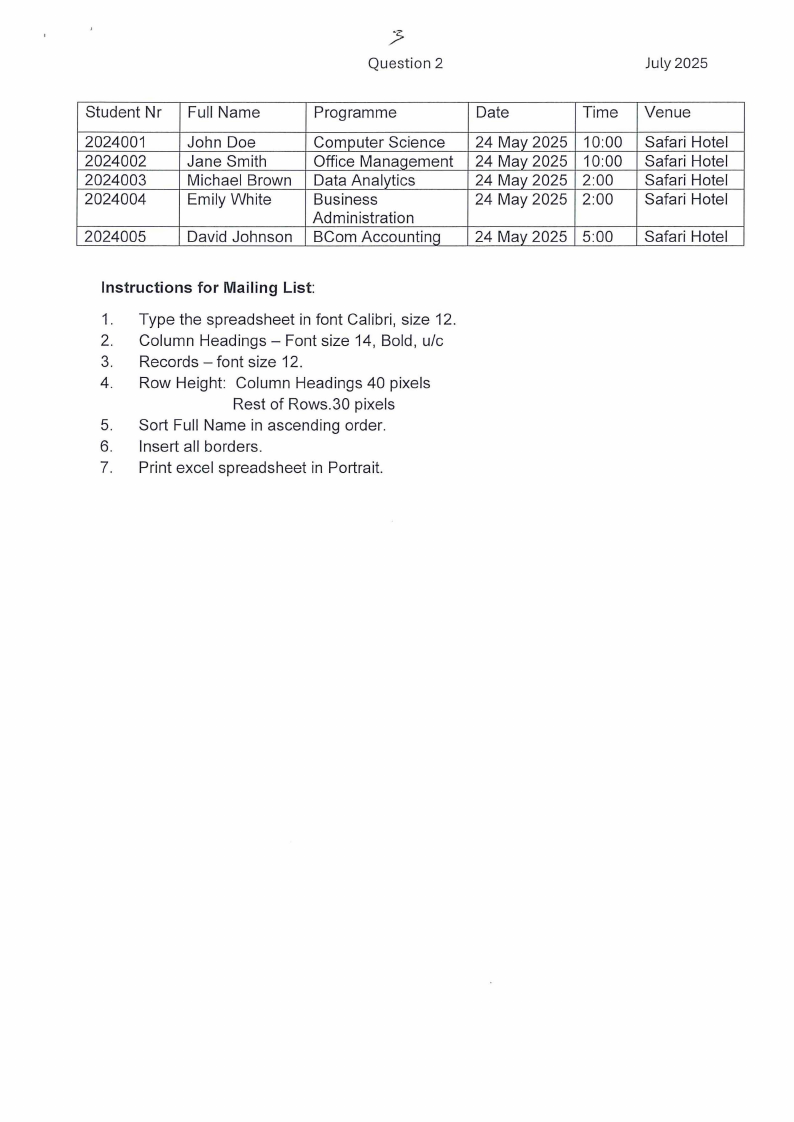
Student Nr
2024001
2024002
2024003
2024004
2024005
Full Name
John Doe
Jane Smith
Michael Brown
Emily White
David Johnson
Programme
Computer Science
Office ManaQement
Data Analytics
Business
Administration
BCom AccountinQ
Date
Time
24 May 2025
24 May 2025
24 May 2025
24 May 2025
10:00
10:00
2:00
2:00
24 May 2025 5:00
Venue
Safari Hotel
Safari Hotel
Safari Hotel
Safari Hotel
Safari Hotel
Instructions for Mailing List:
1. Type the spreadsheet in font Calibri, size 12.
2. Column Headings - Font size 14, Bold, u/c
3. Records - font size 12.
4. Row Height: Column Headings 40 pixels
Rest of Rows.30 pixels
5. Sort Full Name in ascending order.
6. Insert all borders.
7. Print excel spreadsheet in Portrait.
|
|
5 Page 5 |
▲back to top |
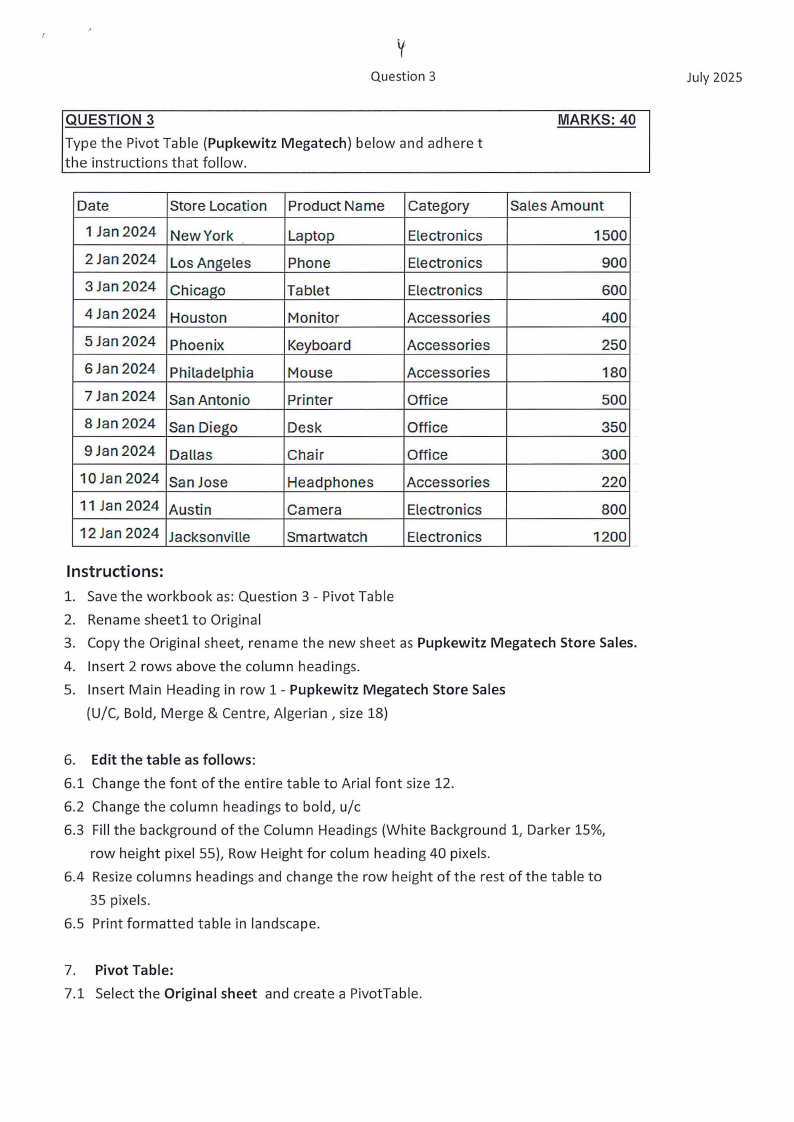
Question 3
QUESTION 3
Type the Pivot Table (Pupkewitz Megatech) below and adhere t
the instructions that follow.
MARKS: 40
Date
Store Location
1 Jan 2024 New York
2 Jan 2024 Los Angeles
3 Jan 2024 Chicago
4 Jan 2024 Houston
5 Jan 2024 Phoenix
6 Jan 2024 Philadelphia
7 Jan 2024 San Antonio
8 Jan 2024 San Diego
9 Jan 2024 Dallas
1OJan 2024 SanJose
11 Jan 2024 Austin
12 Jan 2024 Jacksonville
Product Name
Laptop
Phone
Tablet
Monitor
Keyboard
Mouse
Printer
Desk
Chair
Headphones
Camera
Smartwatch
Category
Electronics
Electronics
Electronics
Accessories
Accessories
Accessories
Office
Office
Office
Accessories
Electronics
Electronics
Sales Amount
1500
900
600
400
250
180
500
350
300
220
800
1200
Instructions:
1. Save the workbook as: Question 3 - Pivot Table
2. Rename sheetl to Original
3. Copy the Original sheet, rename the new sheet as Pupkewitz Megatech Store Sales.
4. Insert 2 rows above the column headings.
5. Insert Main Heading in row 1 - Pupkewitz Megatech Store Sales
(U/C, Bold, Merge & Centre, Algerian , size 18)
6. Edit the table as follows:
6.1 Change the font of the entire table to Arial font size 12.
6.2 Change the column headings to bold, u/c
6.3 Fill the background of the Column Headings (White Background 1, Darker 15%,
row height pixel 55), Row Height for colum heading 40 pixels.
6.4 Resize columns headings and change the row height of the rest of the table to
35 pixels.
6.5 Print formatted table in landscape.
7. Pivot Table:
7.1 Select the Original sheet and create a PivotTable.
July 2025
|
|
6 Page 6 |
▲back to top |
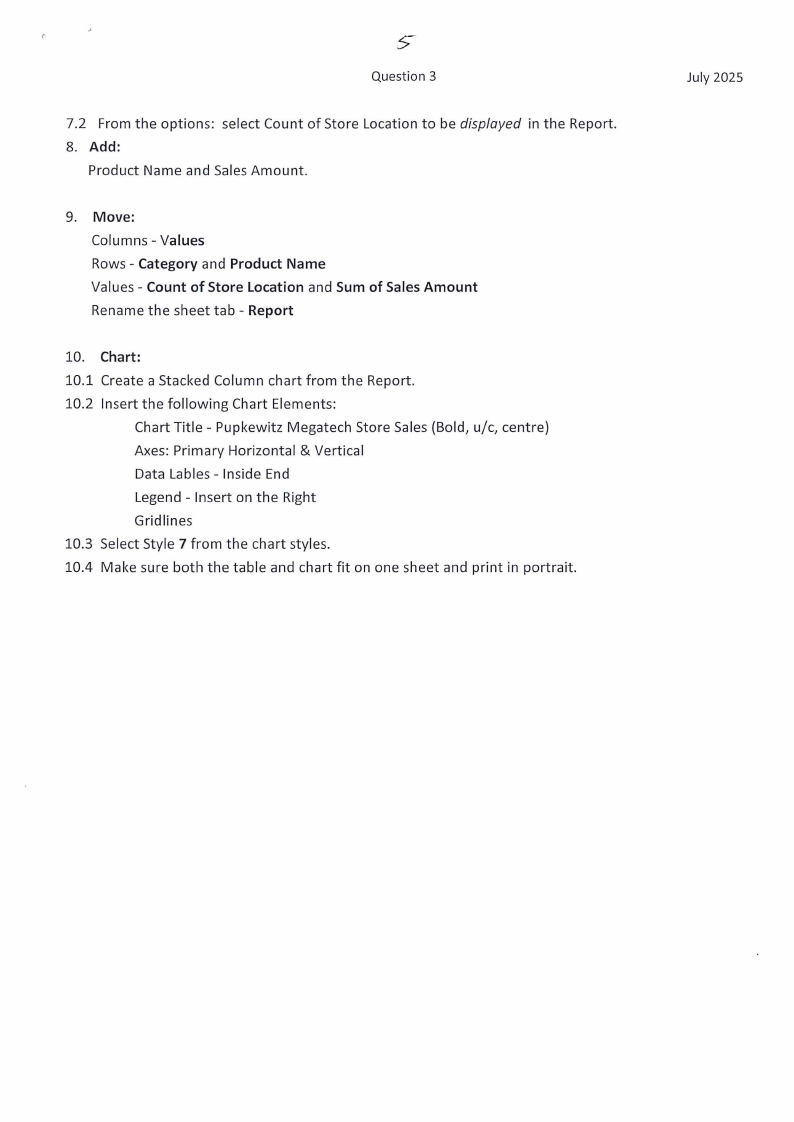
Question 3
7.2 From the options: select Count of Store Location to be displayed in the Report.
8. Add:
Product Name and Sales Amount.
9. Move:
Columns - Values
Rows - Category and Product Name
Values - Count of Store Location and Sum of Sales Amount
Rename the sheet tab - Report
10. Chart:
10.1 Create a Stacked Column chart from the Report.
10.2 Insert the following Chart Elements:
Chart Title - Pupkewitz Megatech Store Sales (Bold, u/c, centre)
Axes: Primary Horizontal & Vertical
Data Lables - Inside End
Legend - Insert on the Right
Gridlines
10.3 Select Style 7 from the chart styles.
10.4 Make sure both the table and chart fit on one sheet and print in portrait.
July 2025