


 |
DPG621S - DATABASE PROGRAMMING - 2ND OPP - DEC 2025 |
|
|
1 Page 1 |
▲back to top |
nAmlBIA unlVERSITY
OF SC IEnCE Ano TECHnOLOGY
FACU LTY OF COM PUTING AN D INFORMATICS
DEPARTMENT OF SOFTWARE ENGINEERING
QUALIFICATION: BACHELOR OF GEOINFORMATION TECHNOLOGY; BACHELOR OF COMPUTER
SCIENCE; BACHELOR OF INFORMATICS
QUALIFICATION CODE: 07BGEI; 07BCMS; LEVEL: 6
07BAIT
COURSE CODE: DPG621S
COURSE NAME: DATABASE PROGRAMMING
SESSION: DECEMBER 2025
DURATION: 3 HOURS
PAPER: SESSION 2
MARKS: 100
SUPPLEM ENTARY/ 2ND OPPORTU NITY EXAMINATION QUESTION PAPER
EXAM INERS:
DR GEREON l<OCH l(APUIRE, MS MINll<UEE l<ASAONA, MR ANDREW HITJITEVI
TJIRARE, MR NYASHA HARMONY MUSIYARIRA
MODERATOR: MS ROSETHA l<AYS
INSTRUCTIONS TO STUDENTS
1. Answer ALL the questions.
2. Read all the questions carefully before answering.
3. Number the answers clearly
THIS QUESTION PAPER CONSISTS OF 4 PAGES (Including this front page)
|
|
2 Page 2 |
▲back to top |
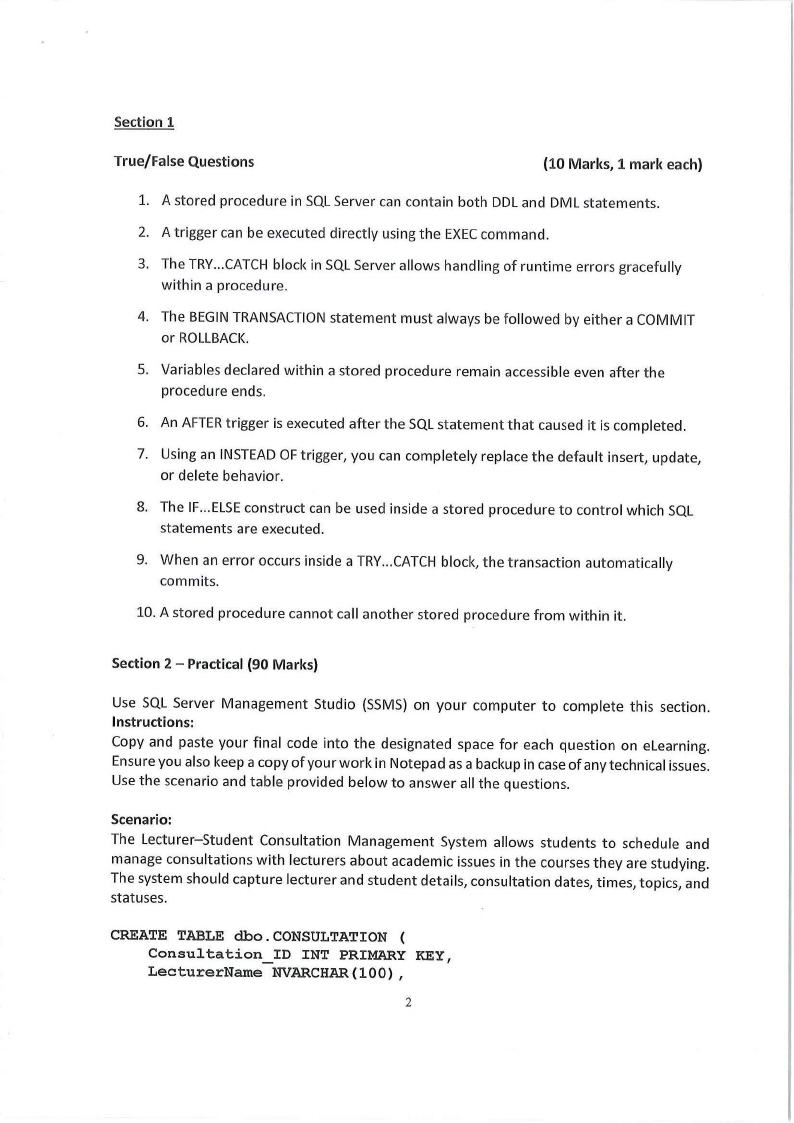
Section 1
True/False Questions
(10 Marks, 1 mark each)
1. A stored procedure in SQL Server can contain both DDL and DML statements.
2. A trigger can be executed directly using the EXEC command.
3. The TRY...CATCH block in SQL Server allows handling of runtime errors gracefully
within a procedure.
4. The BEGIN TRANSACTION statement must always be followed by either a COMMIT
or ROLLBACK.
5. Variables declared within a stored procedure remain accessible even after the
procedure ends.
6. An AFTER trigger is executed after the SQL statement that caused it is completed.
7. Using an INSTEAD OF trigger, you can completely replace the default insert, update,
or delete behavior.
8. The IF... ELSE construct can be used inside a stored procedure to control which SQL
statements are executed.
9. When an error occurs inside a TRY...CATCH block, the transaction automatically
commits.
10. A stored procedure cannot call another stored procedure from within it.
Section 2 - Practical (90 Marks)
Use SQL Server Management Studio {SSMS) on your computer to complete this section.
Instructions:
Copy and paste your final code into the designated space for each question on eLearning.
Ensure you also keep a copy of your work in Notepad as a backup in case of any technical issues.
Use the scenario and table provided below to answer all the questions.
Scenario:
The Lecturer-Student Consultation Management System allows students to schedule and
manage consultations with lecturers about academic issues in the courses they are studying.
The system should capture lecturer and student details, consultation dates, times, topics, and
statuses.
CREATE TABLE dbo.CONSULTATION (
Consultation ID INT PRIMARY KEY,
LecturerName NVARCHAR(l00),
2
|
|
3 Page 3 |
▲back to top |
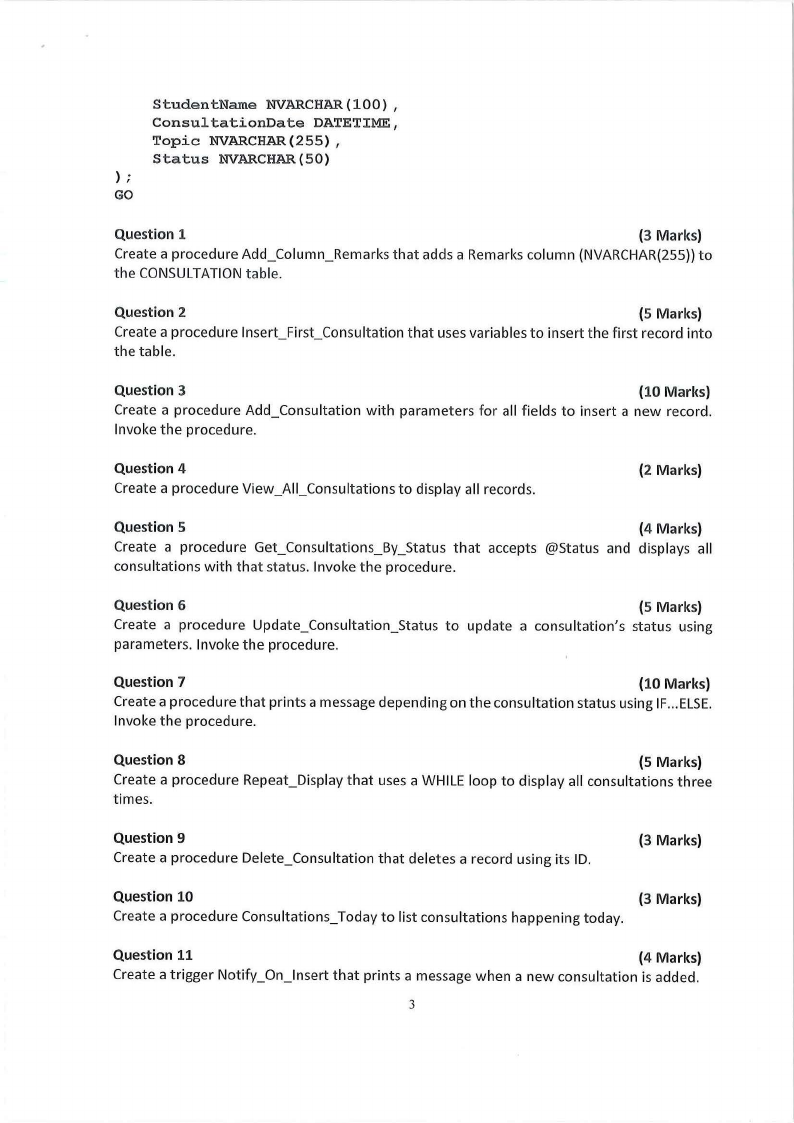
StudentName NVARCHAR(l00),
ConsultationDate DATETIME,
Topic NVARCHAR(255),
Status NVARCHAR(S0)
);
GO
Question 1
(3 Marks)
Create a procedure Add_Column_Remarks that adds a Remarks column {NVARCHAR{255)) to
the CONSULTATION table.
Question 2
(5 Marks)
Create a procedure lnsert_First_Consultation that uses variables to insert the first record into
the table.
Question 3
(10 Marks)
Create a procedure Add_Consultation with parameters for all fields to insert a new record.
Invoke the procedure.
Question 4
Create a procedure View_AII_Consultations to display all records.
(2 Marks)
Question 5
(4 Marks)
Create a procedure Get_Consultations_By_Status that accepts @Status and displays all
consultations with that status. Invoke the procedure.
Question 6
(5 Marks)
Create a procedure Update_Consultation_Status to update a consultation1 s status using
parameters. Invoke the procedure.
Question 7
(10 Marks)
Create a procedure that prints a message depending on the consultation status using IF...ELSE.
Invoke the procedure.
Question 8
(5 Marks)
Create a procedure Repeat_Display that uses a WHILE loop to display all consultations three
times.
Question 9
Create a procedure Delete_Consultation that deletes a record using its ID.
(3 Marks)
Question 10
(3 Marks)
Create a procedure Consultations_Today to list consultations happening today.
Question 11
(4 Marks)
Create a trigger Notify_On_lnsert that prints a message when a new consultation is added.
3
|
|
4 Page 4 |
▲back to top |
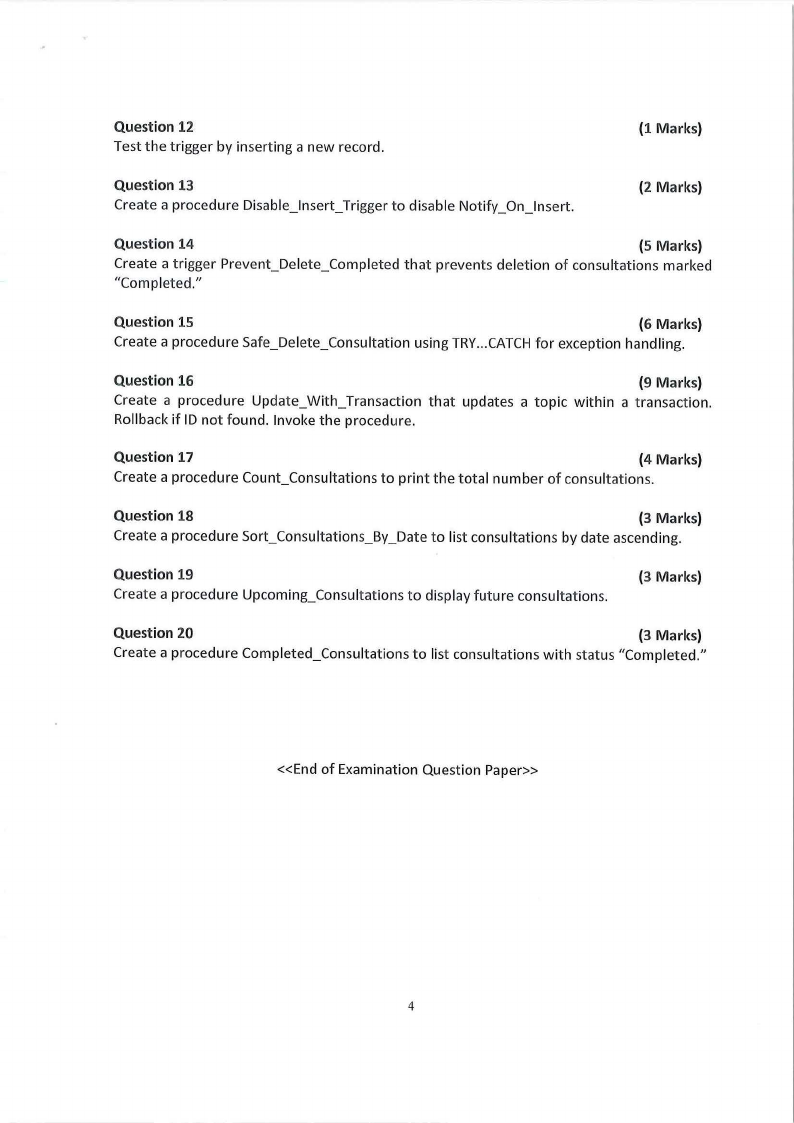
Question 12
Test the trigger by inserting a new record.
(1 Marks)
Question 13
Create a procedure Disable_lnsert_Trigger to disable Notify_On_lnsert.
(2 Marks)
Question 14
(5 Marks)
Create a trigger Prevent_Delete_Completed that prevents deletion of consultations marked
"Completed."
Question 15
(6 Marks)
Create a procedure Safe_Delete_Consultation using TRY...CATCH for exception handling.
Question 16
(9 Marks)
Create a procedure Update_With_Transaction that updates a topic within a transaction.
Rollback if ID not found. Invoke the procedure.
Question 17
(4 Marks)
Create a procedure Count_Consultations to print the total number of consultations.
Question 18
(3 Marks)
Create a procedure Sort_Consultations_By_Date to list consultations by date ascending.
Question 19
Create a procedure Upcoming_Consultations to display future consultations.
(3 Marks)
Question 20
(3 Marks)
Create a procedure Completed_Consultations to list consultations with status "Completed."
«End of Examination Question Paper»
4